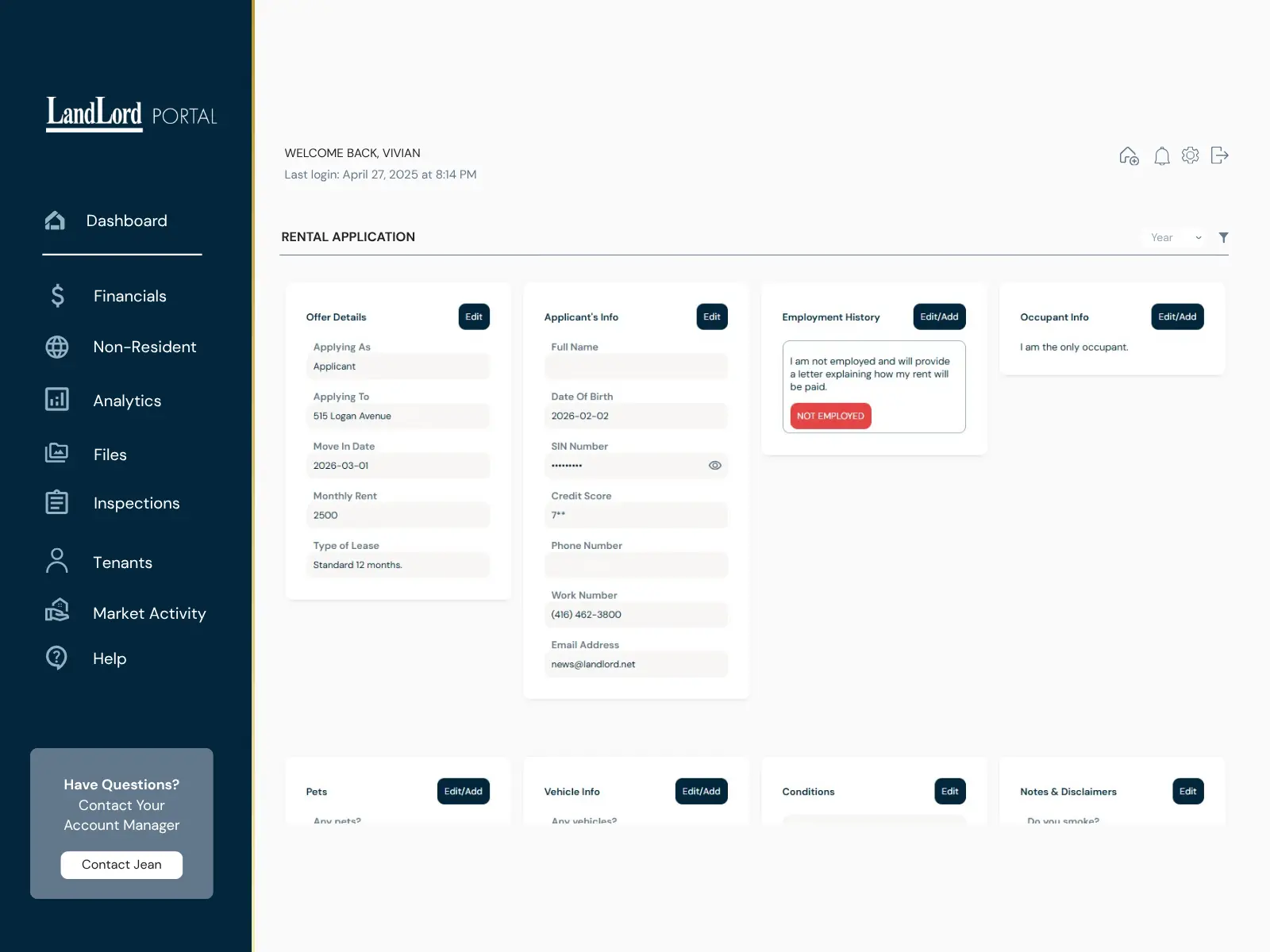
01 · Leasing Applications
Application app → Client Portal
Rental applications are managed electronically during leasing, while owners can follow application status from the Client Portal without relying on separate email updates.

Property Management Client Portal
Financials, tenants, inspections and important property records come together in one owner view — so you can stay informed without managing the day-to-day yourself.
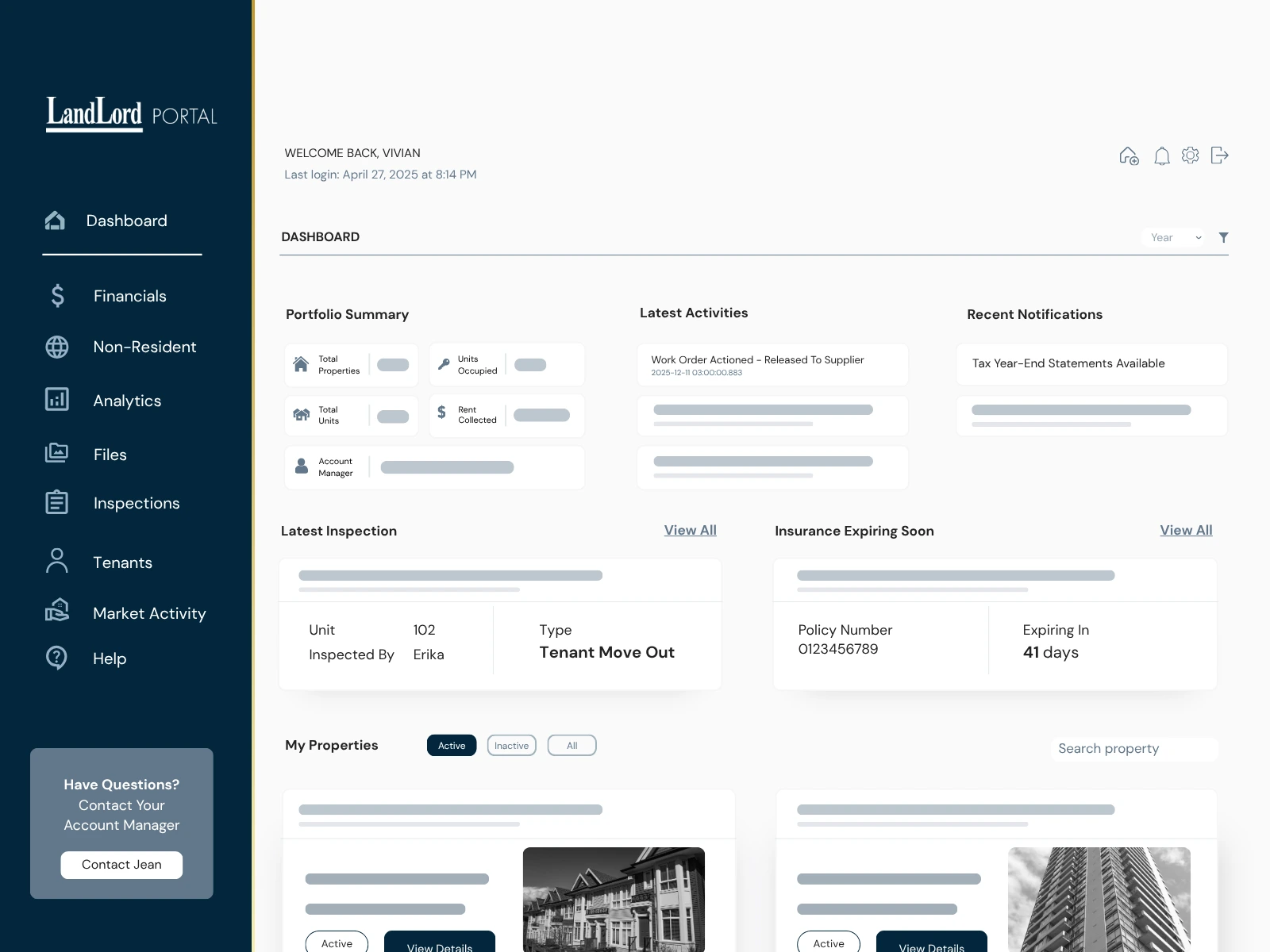
Connected Property Management
Leasing applications, inspections and ongoing management use connected LandLord systems. The information owners need is carried back to the same property record instead of living in separate email threads and reports.
01 · Leasing Applications
Rental applications are managed electronically during leasing, while owners can follow application status from the Client Portal without relying on separate email updates.
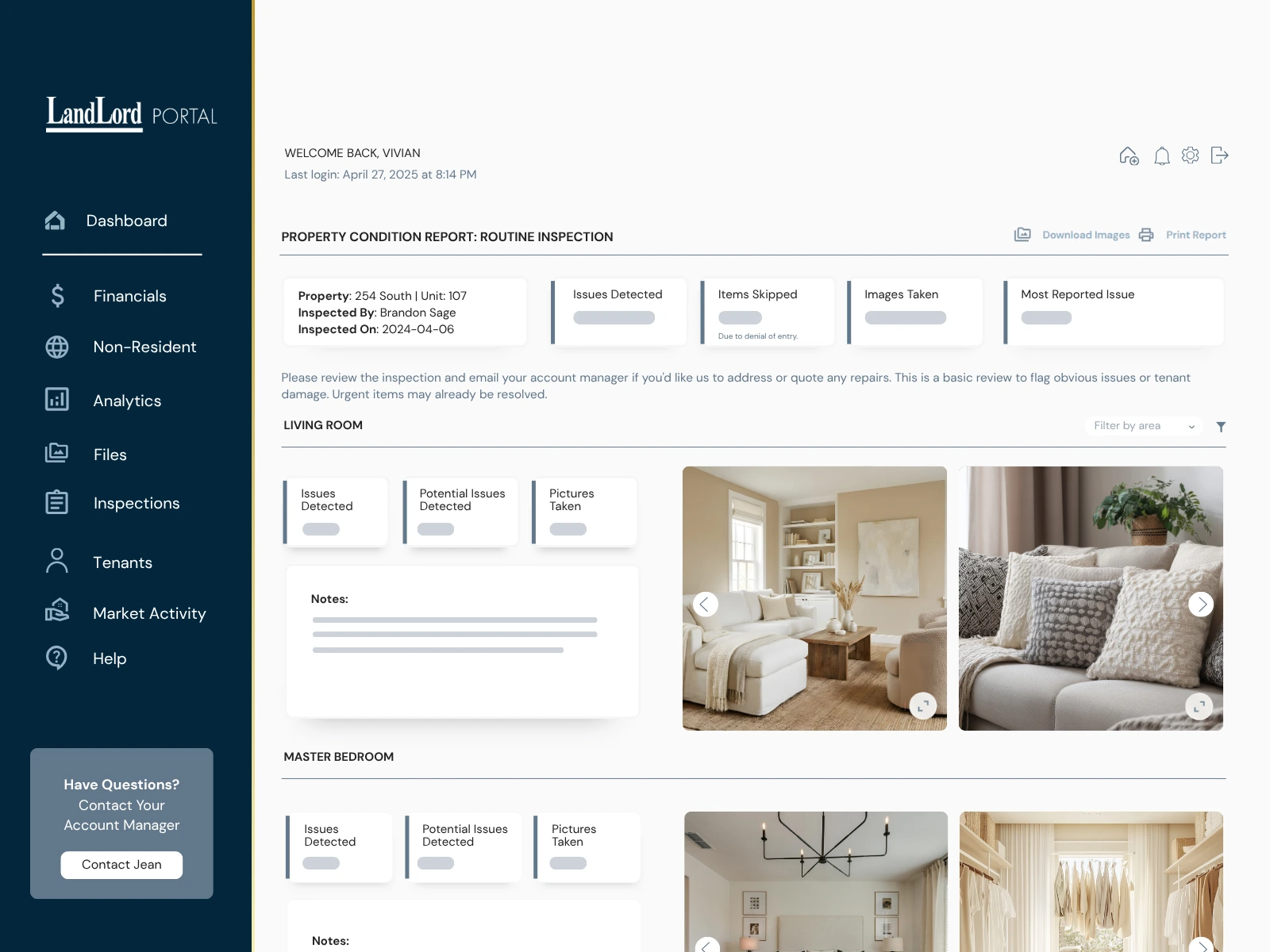
02 · Inspections
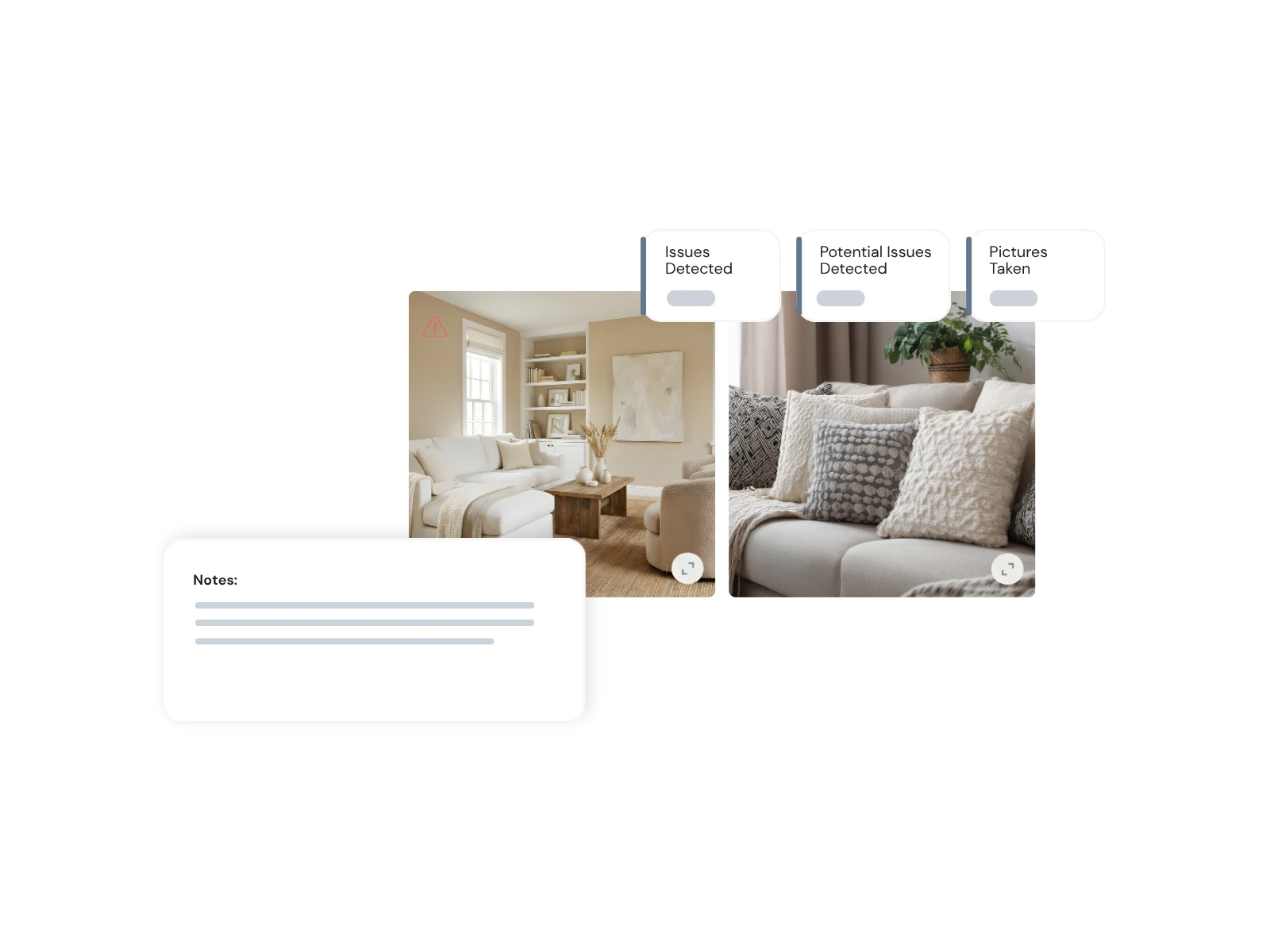
Our team completes inspections digitally with photos, notes and flagged concerns. The inspection record is sent to the Client Portal in real time for the owner to review.
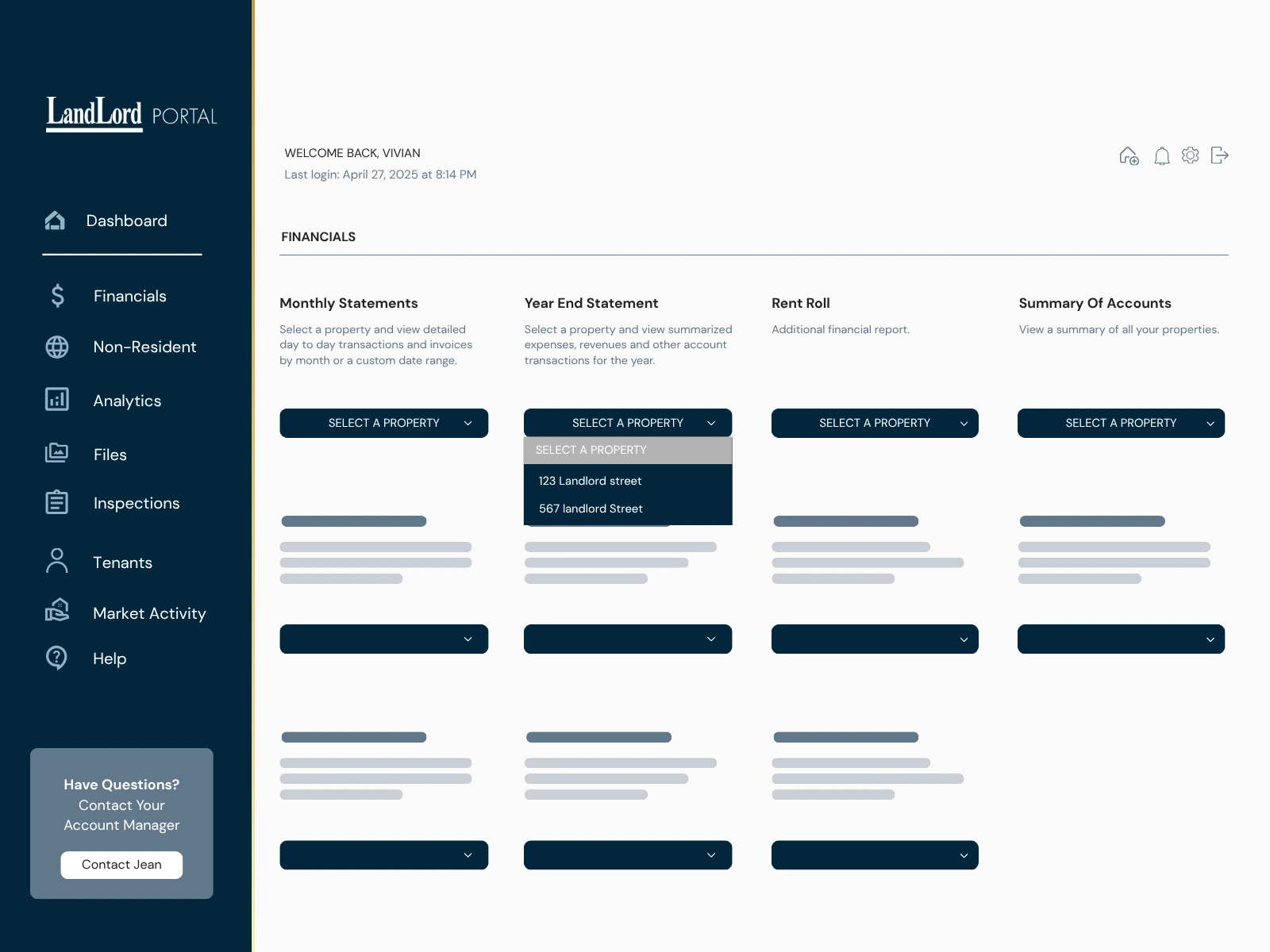
03 · Ongoing Management
Financial activity, tenancy information, invoices and property documents remain organized around the managed property throughout the relationship.
Why We Built Our Own
Many property management platforms offer owner dashboards. We built ours around the way LandLord already manages leasing, inspections, financial reporting, tenancies and property records.
Inside the Client Portal
Owners can move from portfolio-level performance into the details behind a statement, tenancy, inspection or property record without piecing the story together from separate emails.
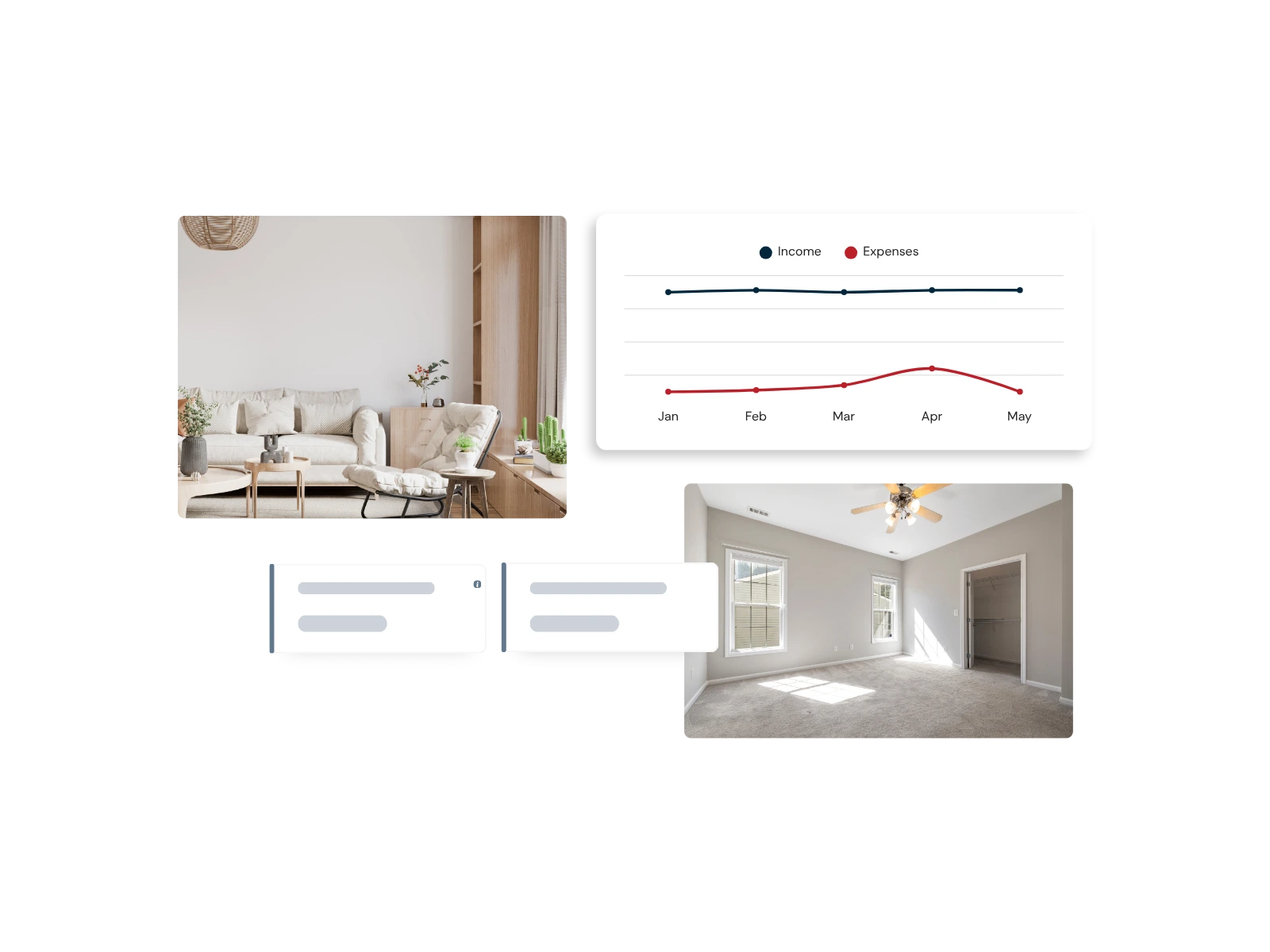
Portfolio Analytics
The analytics dashboard gives owners a higher-level view of portfolio performance so they can understand activity and trends across the properties LandLord manages.
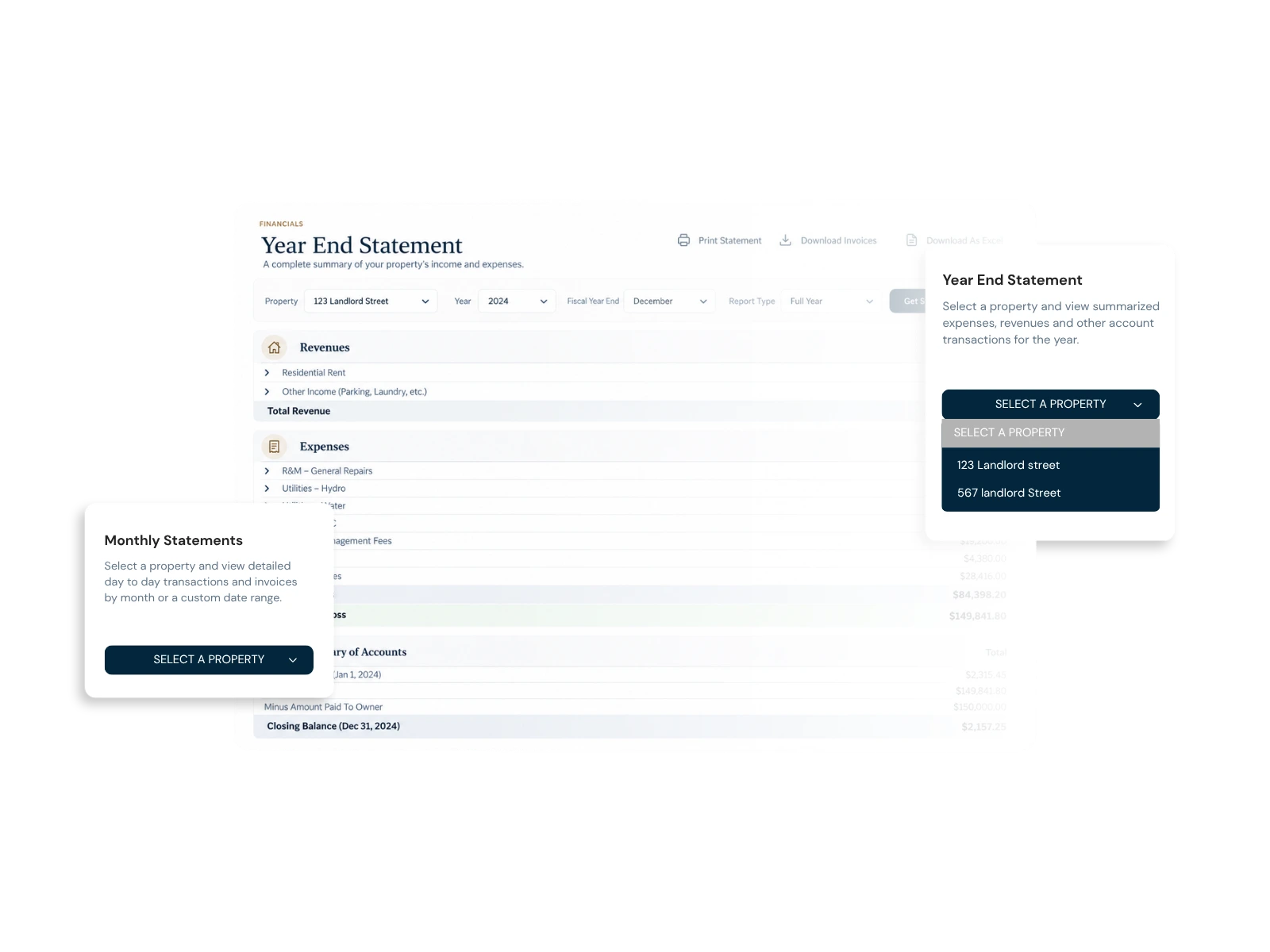
Financial Reporting
Financial reporting is not limited to a single statement. Owners can choose the view they need, then drill into supporting detail where available.
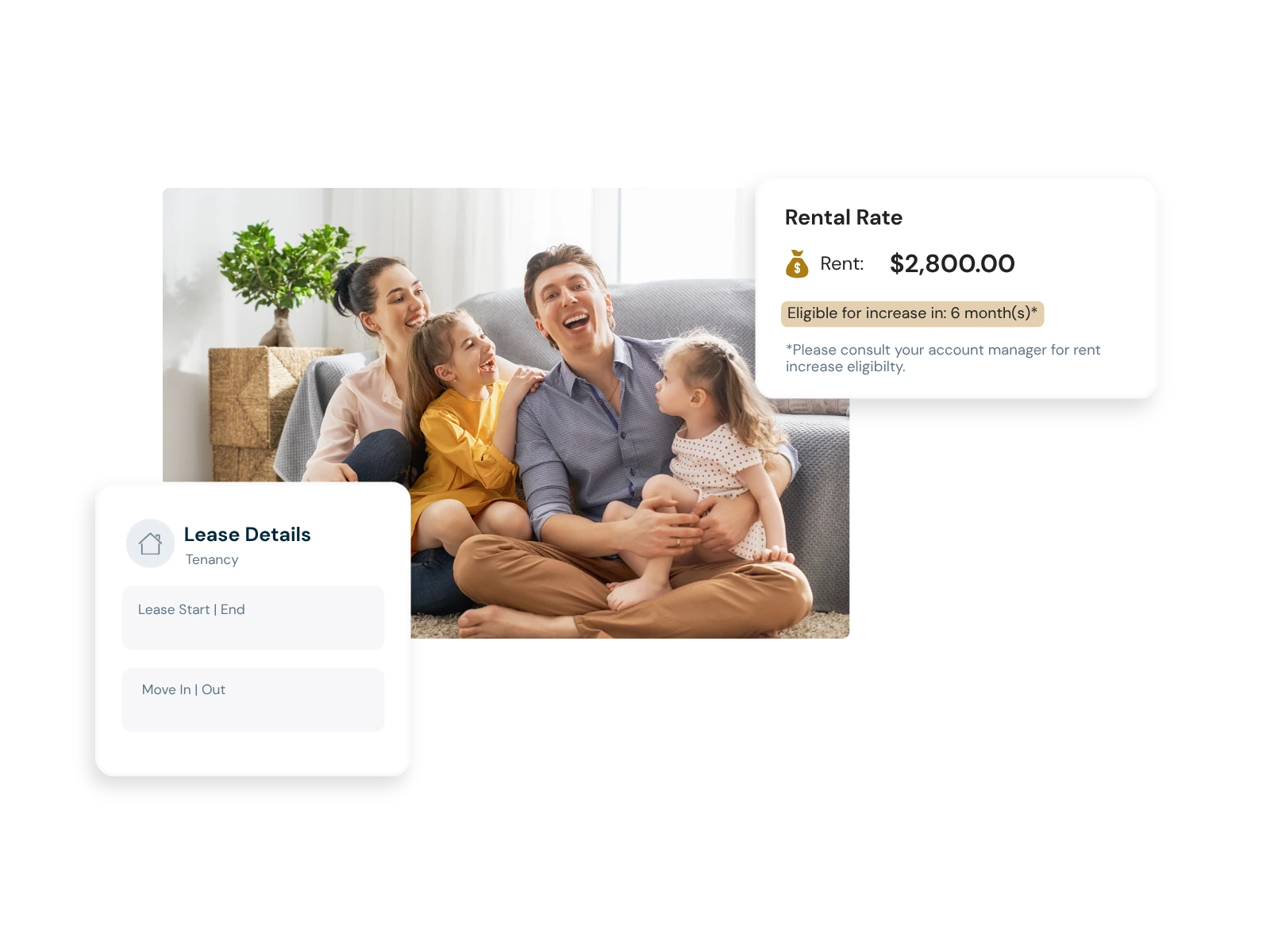
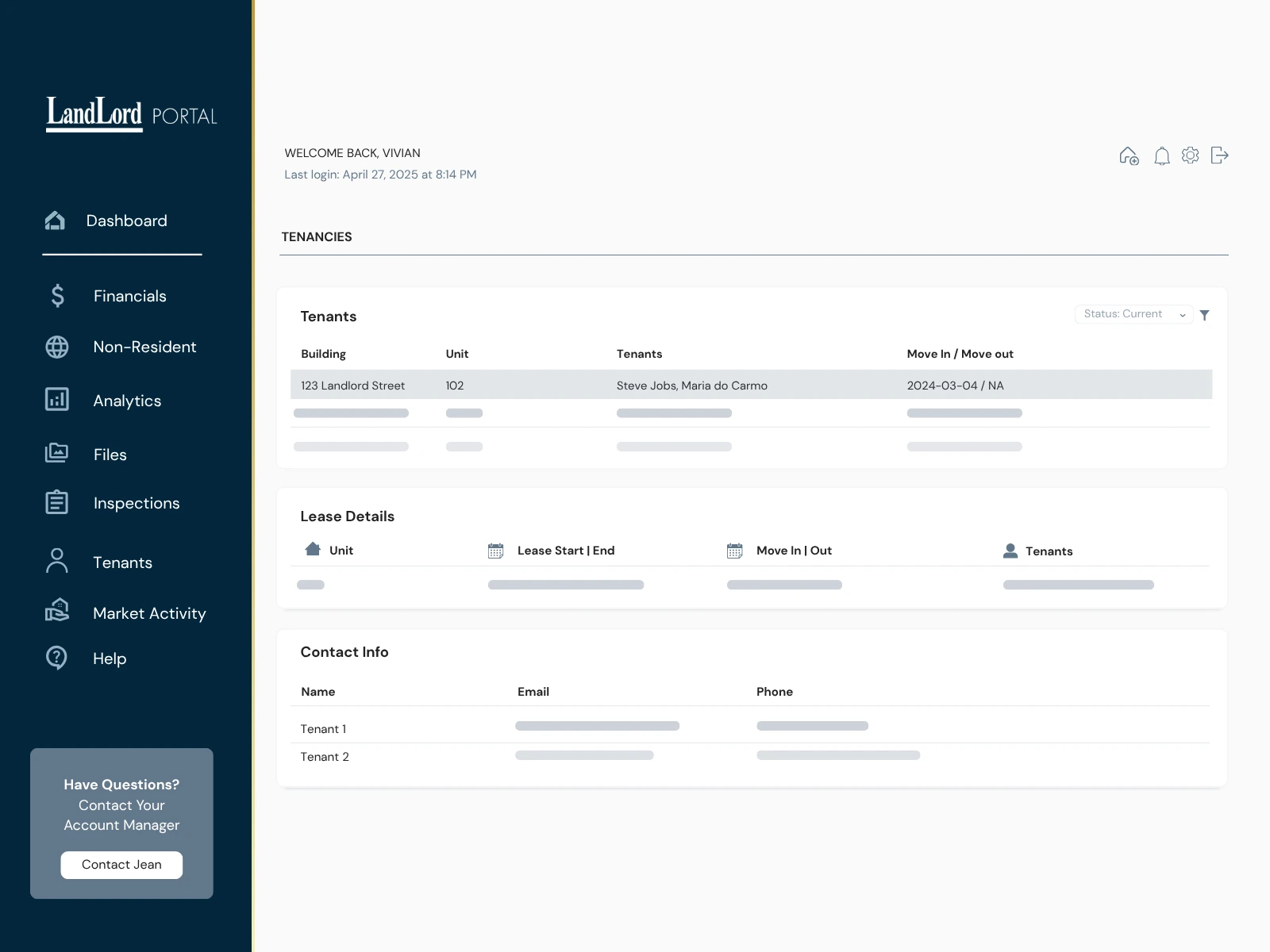
Tenancies & Leases
Owners can review current tenancy information by property and unit, including tenant details and lease duration, with the related property record close at hand.
Inspections
Inspections are completed digitally and sent into the Client Portal, where owners can review each inspection with the photos, notes and observations recorded during the visit.
Property Administration
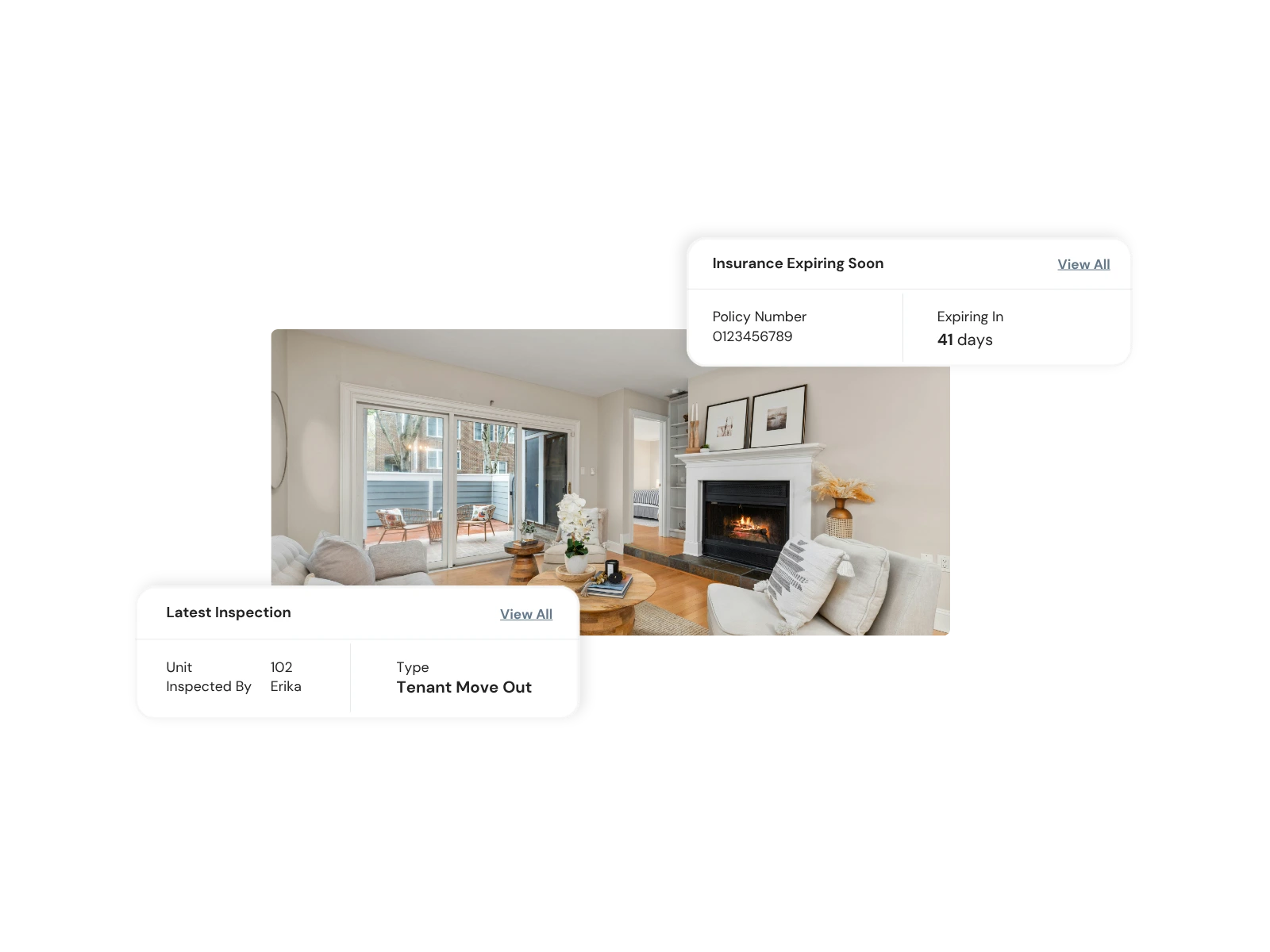
The portal also gives owners visibility and control over important property-level information that affects how the home is managed.
Files & Documents
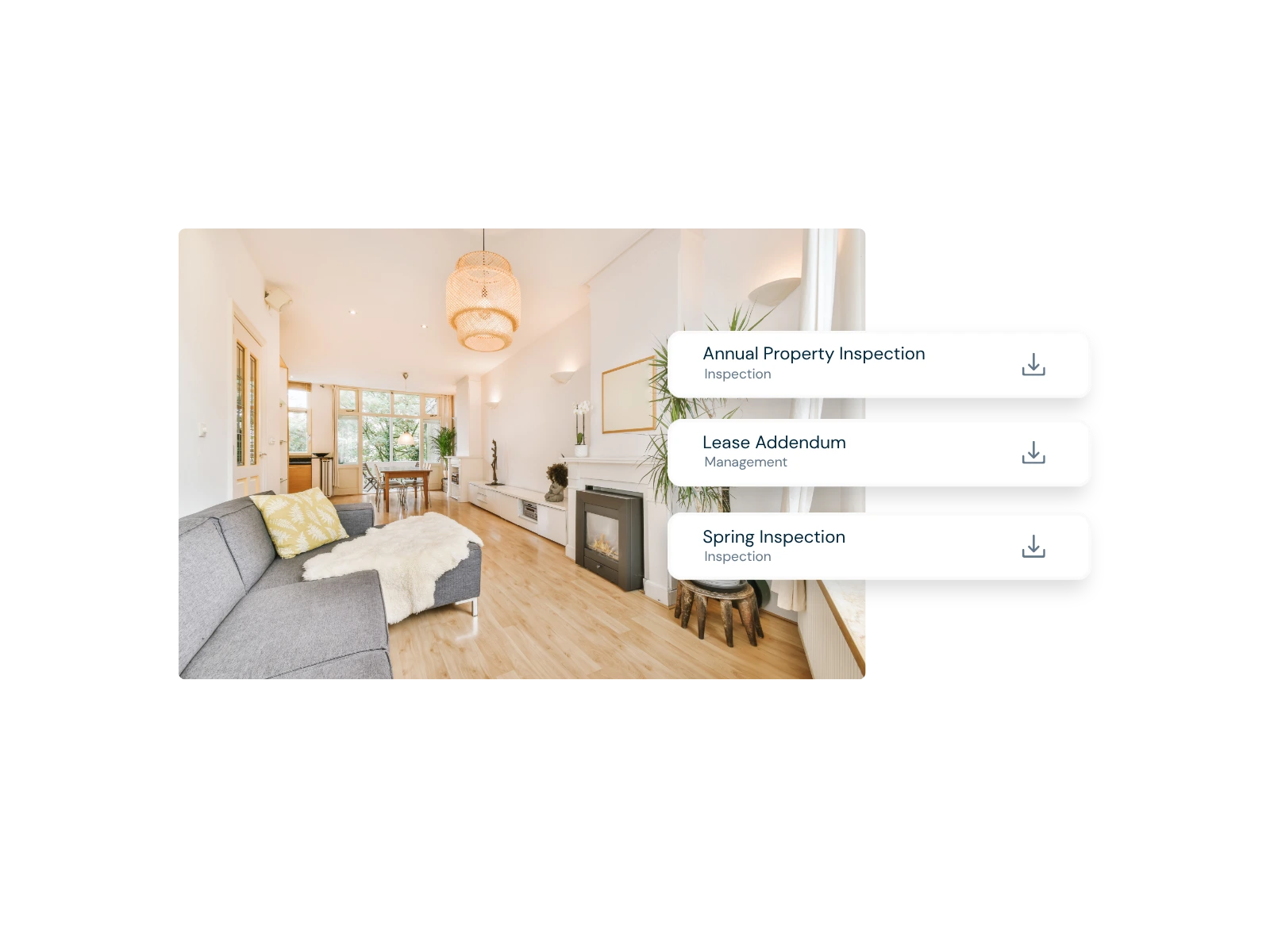
Owners can access files uploaded to the property record through the authenticated Client Portal. We recommend using the portal for sensitive property documents so the record stays organized with the property rather than being passed around through ordinary email.
See It Yourself
Explore the portal before becoming a client and see the kind of visibility available when LandLord manages your property.
Client Portal FAQs
Yes. The Client Portal is part of LandLord's property management experience for managed clients; it is not a standalone software product.
LandLord's inspections are completed digitally, and the inspection record is sent to the Client Portal in real time as part of the inspection workflow.
No. The portal gives you direct access to property information and records; your LandLord team still manages the property and remains your point of contact when you need support or context.
The portal is web-based, so clients can access their owner view online from supported devices wherever they have internet access.
Full-Service Property Management
The portal gives you visibility into the work. LandLord handles the day-to-day management behind it.
Enter your details below to unlock the demo and see how it works in real time.